and minus
  icons located next to each section heading.
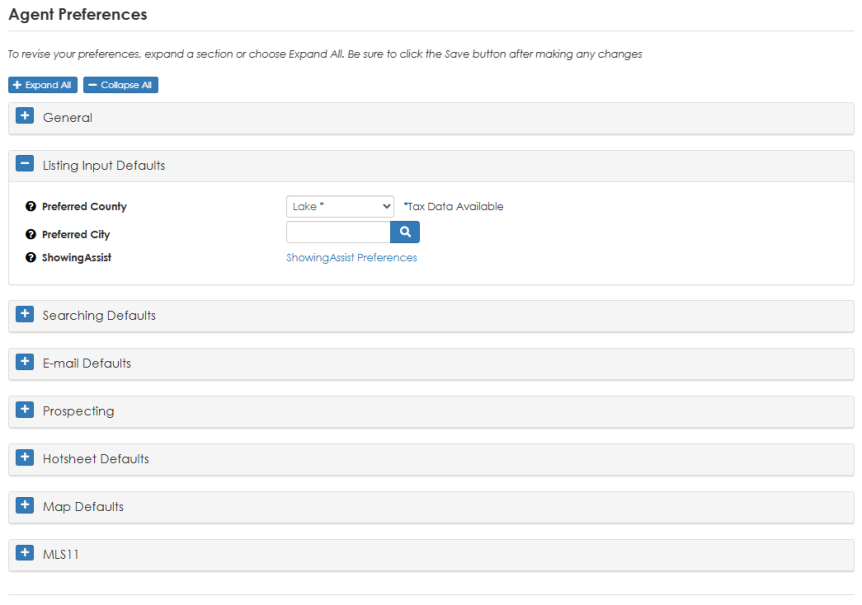
You can set up defaults called Agent Preferences to specify how particular aspects of the MLS software will work best for you.
For example, you can use the Preferred County field to specify the default county you want to use when entering new listings and searching county records in the MLS.
To access your Agent Preferences — From the Admin menu, choose Your Preferences.
Preferences are organized into tabs (similar to file folders), which can be expanded and collapsed using the plus and minus icons located next to each section heading.
Click the  icons to expand or collapse all sections at once.
Be sure to click the Save button in the MLS toolbar after making any changes.
TIP: Click the question mark icon next to any preference field for detailed information on how to use that preference.
TIP:  View the video tutorial entitled "Setting Up your System Preferences" in the Learning Center for a quick overview of this feature. The Learning Center can also be accessed directly from the Help menu.